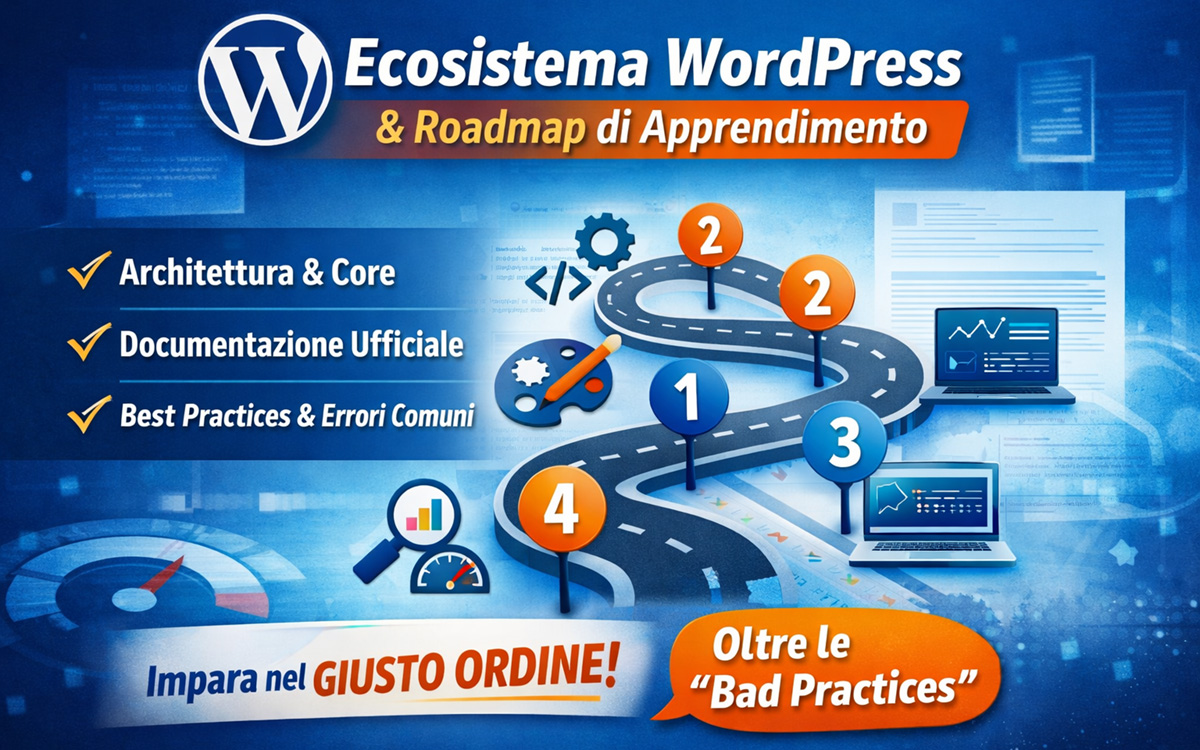
In this article, we explore the WordPress ecosystem – its internal architecture, main components, and recommended paths for learning it effectively. We also examine the roadmap from roadmap.sh, the official WordPress documentation – standards-based and guideline-oriented – and provide a critical perspective on quality control, benchmarking, and common bad practices in the industry.
WordPress and Its Ecosystem
WordPress is the most widely used open-source CMS in the world, a software platform for creating websites, blogs, and dynamic applications based on PHP and MySQL. Thanks to its flexibility, extensive library of plugins and themes, and global community, it is the choice of millions of developers and companies.
Learn more at: Wikipedia
The WordPress ecosystem is not just the core; it includes a range of components, tools, and communities that collaborate to expand its functionalities and development opportunities.
WordPress Architecture
WordPress is built on a modular architecture that can be extended via standard components:
- Core: the heart of the CMS, providing basic functions for managing content, users, pages, posts, and media.
- Themes: define the website’s visual appearance and can be customized or built from scratch.
- Plugins: extend functionality (e-commerce, SEO, performance, forums, etc.).
- Database: MySQL or MariaDB stores content, settings, and configurations.
- REST API: allows interaction between WordPress and external applications.
- Block Editor (Gutenberg): visual editing system with a block-based structure.
Learn more at: Wikipedia
This architecture allows building simple or complex sites but requires a solid understanding of the abstraction layers and how they interact.
Official Documentation: Standards, Guidelines, and Orientation
The official WordPress documentation (Codex, Developer Resources, and Learn.WordPress) primarily serves as a standards reference: it provides accepted and recommended guidelines on how to perform tasks and how internal tools function. It does not merely give “don’t do it because it might go wrong” advice but defines how to do a task correctly and which standards are recognized.
Examples of official documentation:
- Learn.WordPress.org – Structured learning pathways for users and developers.
- Developer Handbook (Developer Resources) – Guidelines on APIs, plugins, and themes.
- WordPress Codex – Historical user manual and developer reference.
Important: official documentation is not necessarily a complete step-by-step learning path but rather an accurate description of how standards and APIs work.
Recommended Learning Order for WordPress
- Understanding WordPress as a CMS
Start with the basics:- What a CMS is and how WordPress works.
- Differences between WordPress.com and WordPress.org.
- Dashboard, posts, pages, media, and user roles.
This phase is crucial to contextualize everything else.
- Installation and Configuration
- Local environments (Local, XAMPP, Docker).
- General settings, permalinks, media.
- Basic security and updates.
- Themes and Customization
- Child and custom themes.
- Modifying template files.
- Block editor (Gutenberg) and Full Site Editing.
- Plugins and Advanced Features
- Key plugins: SEO, performance, caching.
- How to install and configure.
- When custom development is required.
- Advanced Development (for Developers)
- Core languages: HTML, CSS, JavaScript, PHP.
- WordPress hooks: actions and filters.
- Creating custom plugins and themes.
- REST API and performance.
The Roadmap from roadmap.sh
The roadmap.sh page provides a structured guide to WordPress development in 2026. While useful as a general orientation, it is important to note that it is not official WordPress documentation but an educational roadmap created by the community with support from Melapress.
Thanks to the author for the synthesis, but it is important to note:
- It is not always supported by quality metrics or established benchmarks — it is more an ideal path than a rigid rule.
- It often lacks direct references to real-world use cases: the roadmap does not include tools for automated quality control or explicit guidance on avoiding bad practices.
- It does not consider resource budgeting, i.e., realistic allocation of time and resources for each learning or production level.
- Practices like overusing page builders without understanding standards or failing to test for performance/security can lead to large-scale issues.
In summary: roadmap.sh is excellent as a high-level guide but should be complemented with official documentation and a critical, best-practice-based approach.
Common Issues and “Bad Practices” to Avoid
Many learners (and professionals) stumble on recurring mistakes:
- Relying exclusively on page builders without understanding the core and standard themes.
- Ignoring security and daily maintenance (updates, backups).
- Not testing performance and SEO objectively.
- Not knowing WordPress coding standards, leading to non-performant plugins or themes.
These errors are not caused by the wrong tool but by a lack of disciplined learning roadmap based on real standards.
Conclusion
Successfully learning WordPress means understanding the ecosystem as a whole: core, themes, plugins, APIs, and community. Official documentation is essential as a standards and reference guide, while third-party resources like roadmap.sh are useful to understand the development path, provided they are integrated with real best practices, quality control, and performance evaluation.